Room Calendar
One-click join for supported room calendar invitations
Room Calendar connects room calendars through VCA Cloud, displays upcoming meetings on the Host and Controller, and provides Join actions for supported meeting platforms.
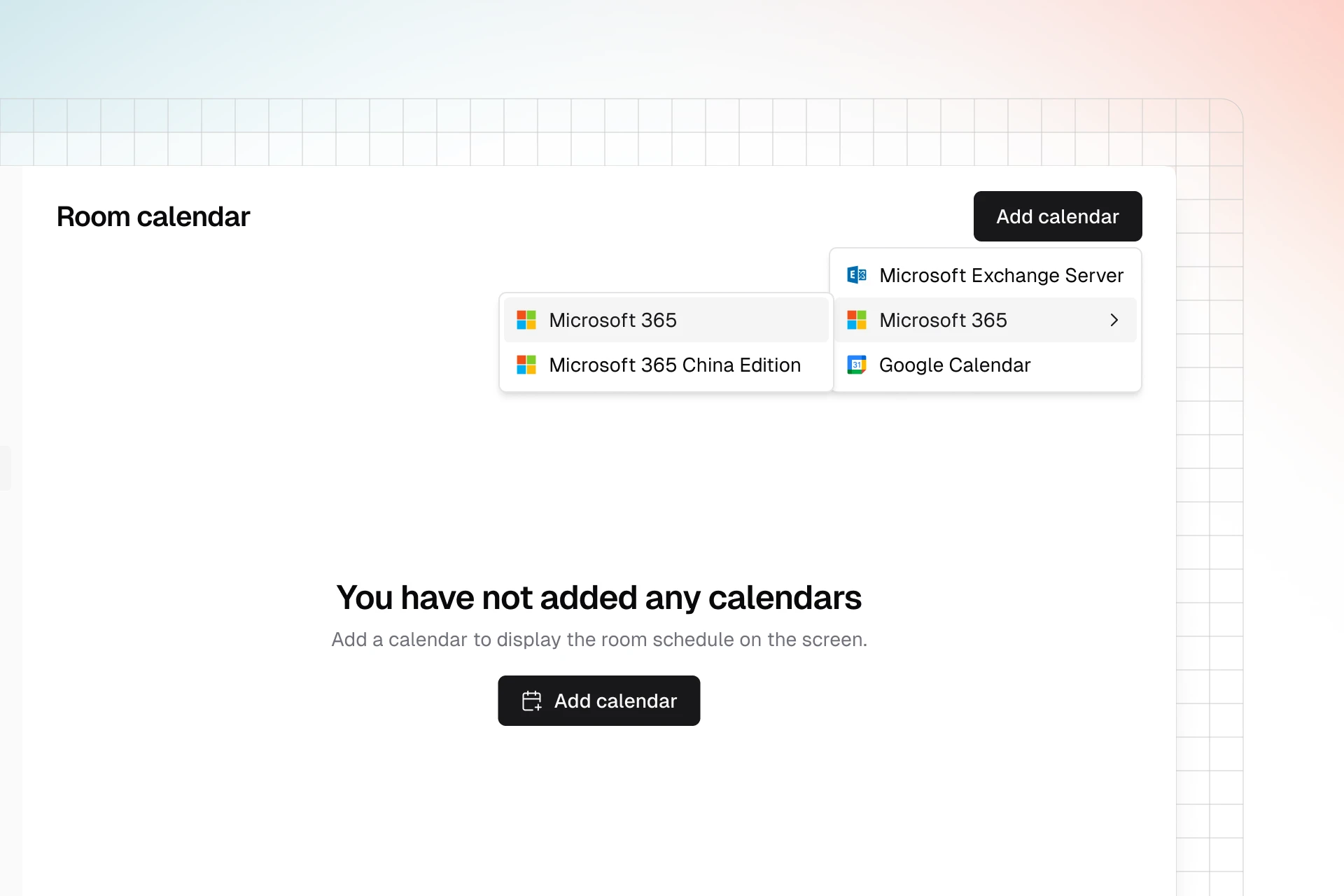

Room Calendar connects room calendars through VCA Cloud, displays upcoming meetings on the Host and Controller, and provides Join actions for supported meeting platforms.


Connect Microsoft 365, Google Workspace, or on-premises Exchange to VCA Cloud.
Display the room’s meetings on both the Host and Controller, without searching a personal inbox.
For supported invitations that VCA can parse, tap Join to open the corresponding meeting app.
Confirm the room calendar provider, mailbox permissions, and invitation-body retention behavior before binding.
Connect the supported provider through VCA Cloud using the documented OAuth or provider-specific setup path.
Associate the room calendar with the VCA Host device so schedules appear on the correct room equipment.
When VCA recognizes the meeting platform and link details, users can join from the Controller with less manual handling.
Room Calendar is designed for real conference rooms where schedules, invite formats, and providers vary across departments or regions.
VCA documentation covers Microsoft 365 Global, Microsoft 365 China, Google Workspace, and Exchange On-Prem setups for room calendar binding.
The room schedule can be visible where users operate the room, so they do not need to search through a personal inbox at the meeting table.
Invitation parsing depends on supported meeting platforms, preserved message body content, and recognizable meeting links or passcodes.
Native Rooms calendars are efficient when every meeting belongs to the same platform family. Room Calendar is designed for mixed environments where Microsoft 365, Google Workspace, Exchange, and several meeting-link formats may appear in one room schedule. It does not promise to parse every possible invitation; instead, it gives teams a multi-platform calendar workflow with documented provider and parsing constraints.
A visible event does not always mean VCA can extract everything needed to join it. Provider permissions and invitation contents both matter.
An administrator must connect a supported Microsoft 365, Google Workspace, or Exchange On-Prem provider in VCA Cloud.
If an invitation omits a stable passcode field, VCA returns no password instead of guessing one.
Calendar processing may strip subjects or invitation bodies and prevent third-party meeting details from being recognized.
Use these first-party references to confirm deployment details before making a room decision.
Review which invitation formats and platforms VCA can parse for Join actions.
Pair the calendar with native app switching for rooms that join many meeting platforms.
Check account, license, and subscription steps before a broader rollout.
Concise answers to the questions teams ask before planning or deploying this capability.
Connect supported calendars so users can see the room agenda and join recognized meetings from the Controller.